Showing posts with label Je suis.... Show all posts

May 27, 2013

I'm Back


Daphne
1.- Baiastice Daphne

I've been trying to write a blog post since I returned to SL but honestly  I had nothing to say. Now that I've been around for over a month ... still have nothing to say.... sighs ... but I really want to get back to blogging and I need to start somewhere so I'll make a quick resume of what I've done lately, maybe that will help me get slowly on track .

Slow, that may be "the word", I am taking things slow now, I'm calm, I'm relaxed and I returned to enjoy my SL. What I've enjoyed the most since I joined SL back in 2007 is probably DJing, that's how I met my first friends, some of them are luckily still part of my life like Frolic Mills (my first real SL friend), Hector Milner or Elmiguel Ricardo. It's funny to me how people I've shared tons of hours working as a model don't even say Hi! anymore (probably because I'm not famous enough anymore lol), but people I just partied with 5 years ago  were the first to open an IM and say OMG its been a long time!! And it was 3 guys, makes you wonder *giggles*.
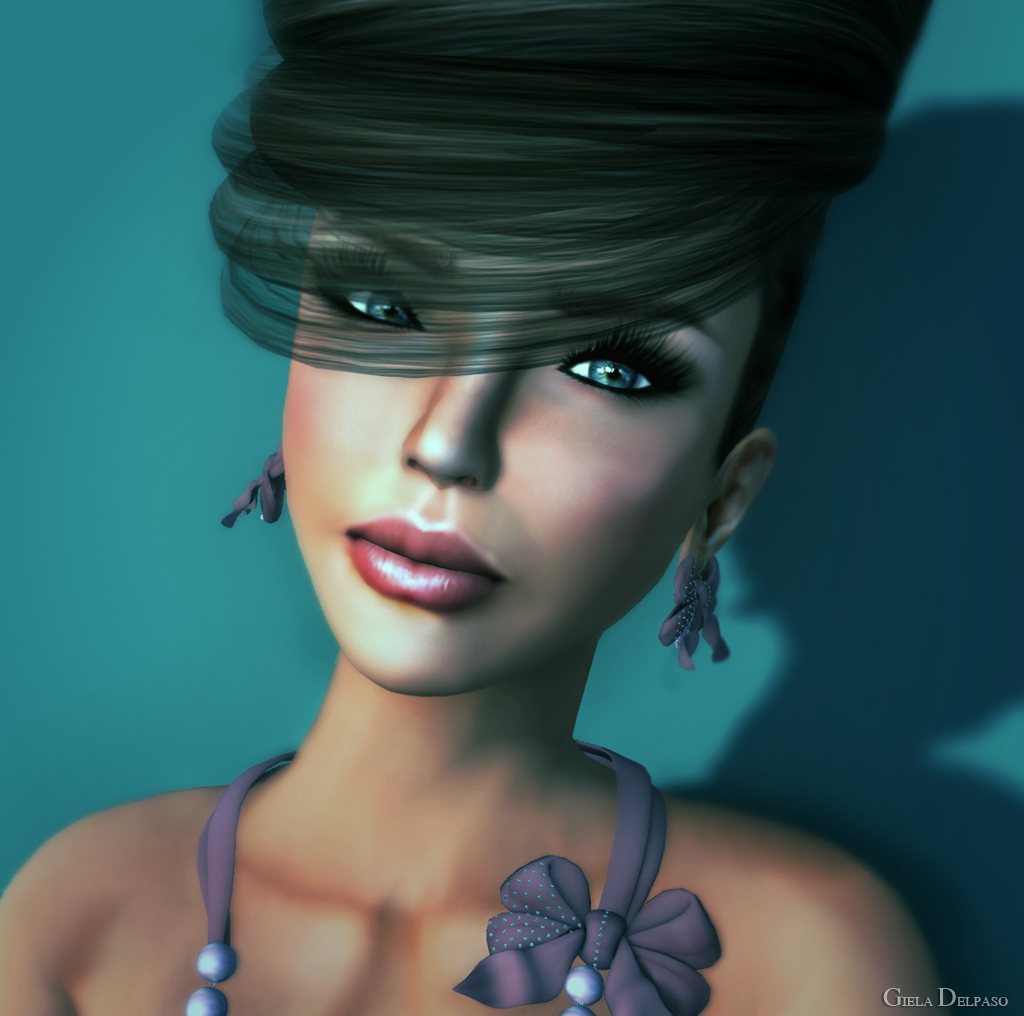

Vanity Hair
2.- New Giela 2013

But they are not the only ones, I was happy to see long time friends again, specially my dear Sissy Pessoa from Baiastice, my lovely Summer Deadlight, the most awesome Umberto Giano, the one and only always amazing Callie Cline, the incredibly talented Leah McCullough, the always perfect Mimmi Boa, the lovely and crazy Misha Flanagan, my almost-neighbour (or at least the ones that lives closer to me ) Tabata Jewell and my inspiration as a stylist Miaa Rebane among others. I finally made a Facebook account for Giela which helped me get on track with  lots of old friends, beautiful models and gifted in their own fields like Syra Hyun, Angels Milena, Anna Sapphire, Caoimhe Lionheart, Alianna Logan, Estela Serenity, Carilynn OHare, Algezares Magic ... girls you are too many to list, please forgive me if I forget any of you ... I just wanted to thank you all for the warm welcome, I feel soooooo blessed to have you all, Thank you, thank you thank you!!!
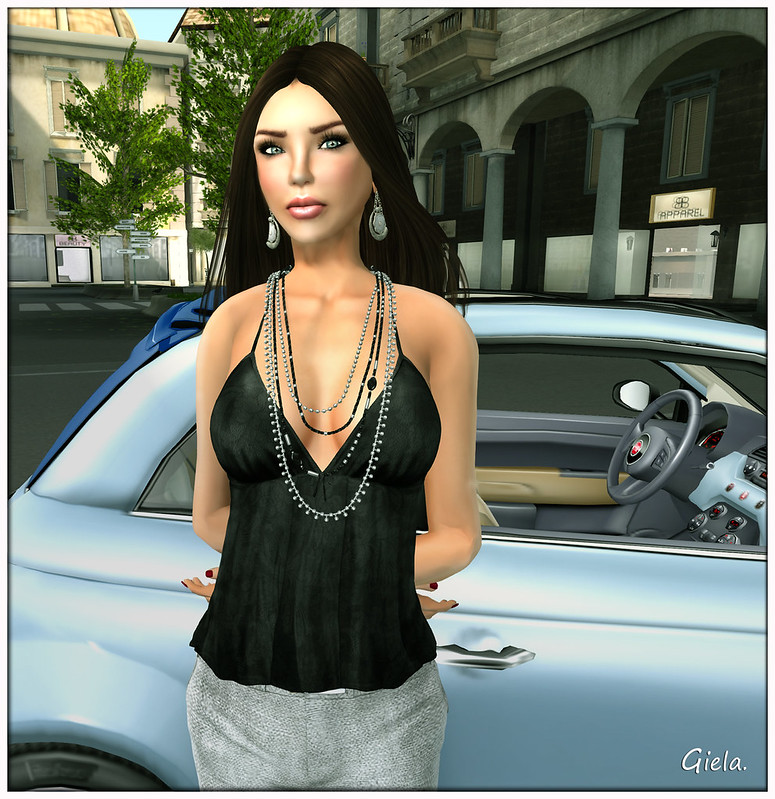
I'm Back
3.- I'm Back!

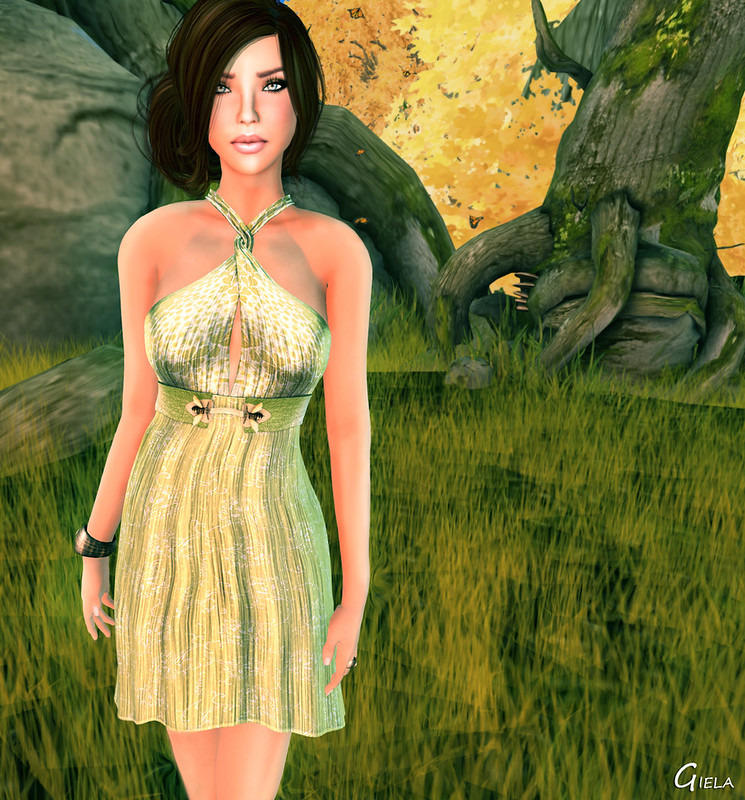
I was delighted to see how SL has improved in a lot of different ways, specially regarding Mesh. The first thing I got on my first day on SL was one of those standard shapes pack, a new improved skin and a beautiful mesh dress (thanks to my lovely Sissy). There was a sale going on at Truth (thats what I call great timing !) so I got a few (too many) new mesh hairs aswel. I was fighting playing with my shape for about 10 hours before I screamed and finally decided to take my first picture. Here I really need to thank Strawberry Singh for all the amazing tutorials on her website....I didn't remember how to use Photoshop .. at all.. and her tutorials really encouraged me to take some shots again, withouth her page I'd still be working on the first pic *giggles*
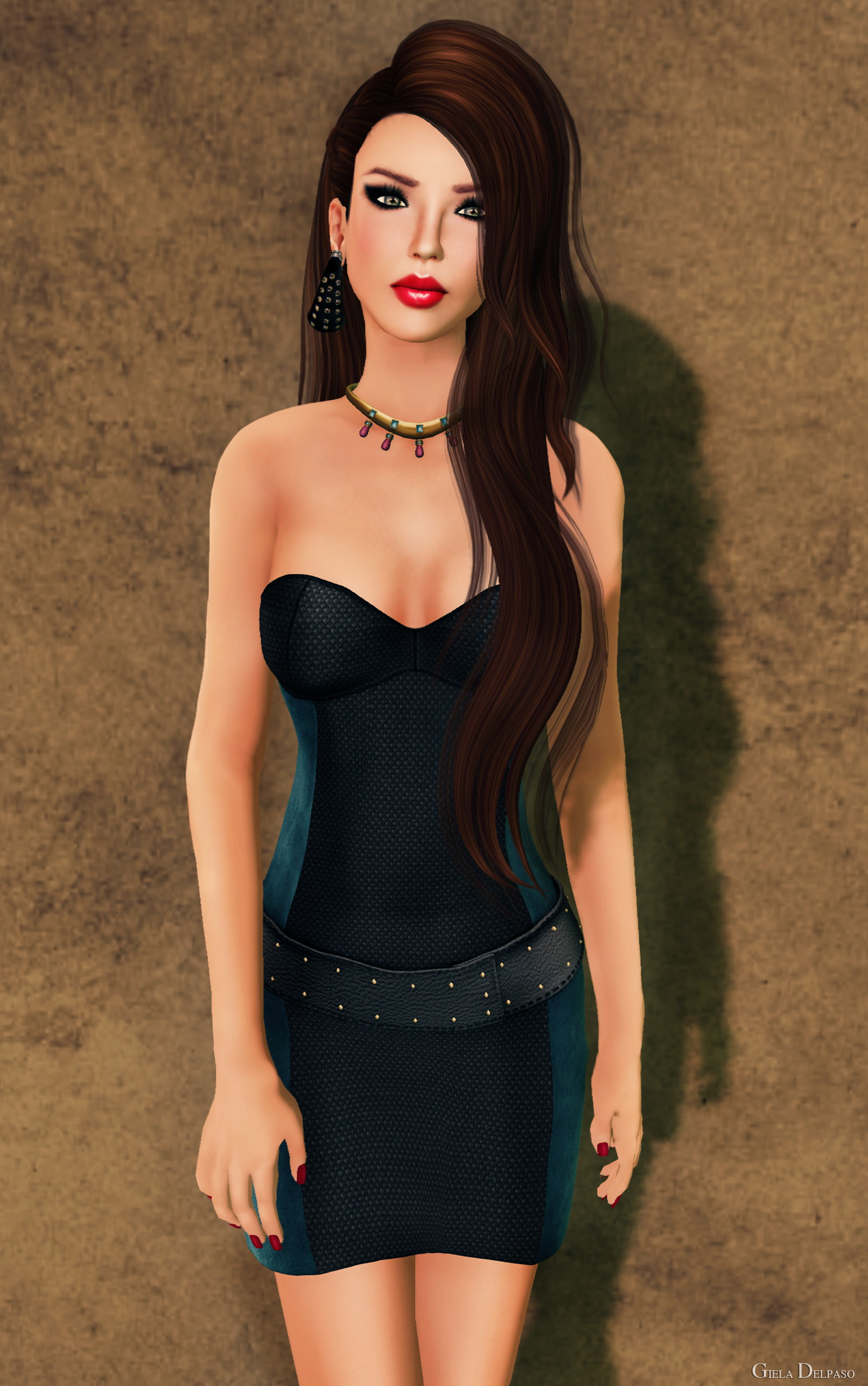
Tahel
4.- Baiastice Tahel minidress.

Of course I love mesh, specially regarding short dresses and skirts, no more flat bootie shapes for pencil skirts, no more prims going up your hooha (Summz I steal that one from you), I can't be happier. And like I already said  I've also started to work as a DJ, on  the very first weeks in some small clubs but when I felt I was ready I decided to apply to a beautiful club full of amazing people called Sweethearts. It's a beautiful romantic ballroom, with nice slow paced music, classy hosts and smart dressed people wearing suits and gowns. OMG Gowns!!! So I need a mesh gown now too....  and I quickly found one. The most amazing couple on SL are Giz Seorn and Auster Elan. period. I met them at what I think it was close to their start in SL and they have come to be one of the biggest brands on the grid, and they still only have warm hearts and kind words for me everytime we meet. I decided to visit GizzA and get an amazing gown I had seen on the feeds with leopard print but once I was there I found a perfect flowery version, that would fit the Sweethearts atmosphere better and also my style. I DJ at Sweethearts every weekday (if I don't have to work RL) from 2:00 to 4:00 am SLT. If you are online it will be great to see you there :) I will be more than happy to dedicate you a song, or two !

Gilda
5.- GizzA Gilda

... And thanks God I had nothing to say ... or I'd have written a whole book  ... If you read everything until here, you are amazing and I love you !!

And now... Credits!!


Mar 25, 2011

LOTD - GizzA and Baiastice

Gizza Amorah 1

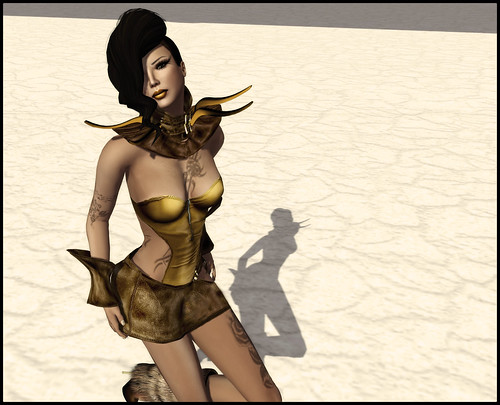
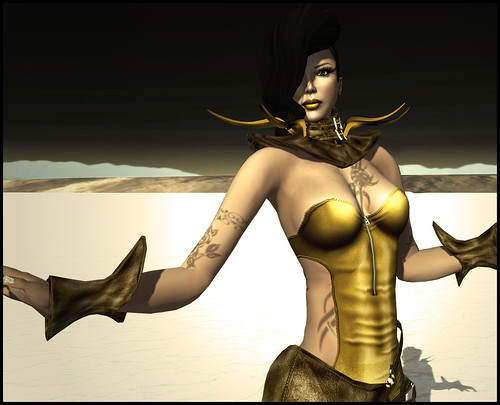
It is no secret I am a big fan of Gizza designs but honestly,I think Giz Seorn has outdone herself this time. Amorah 2 has not only the realistic textures and good cut we expect from Gizza but also perfectly well finished sculpties and lots of little details that made this piece an instant favourite as soon as I saw it on the store poster.

Gizza Amorah 3

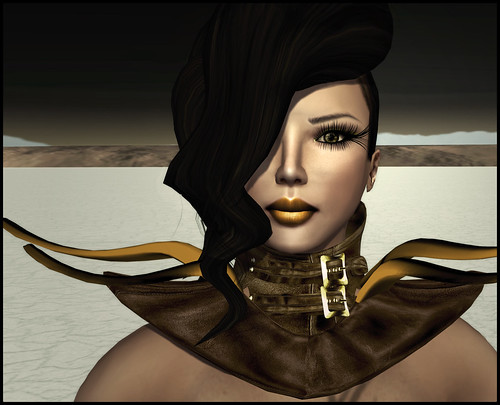
To make my day perfect Sissy Pessoa fromBaiastice also released her new collection of hair attachments and of course there you had me drooling at the posters and getting them all . As always they are all fabulous, from the classy updo's to the fancy ponytails, there are also some punk inspired crests and cuts but to match this unique design I had to chose the truly artistic Dolly that gives the whole look a final mysterious allure.

Gizza Amorah 2

Skin: Baiastice Marina Peach (by Sissy Pessoa)
Makeup: Baiastice Mag Lipstick gold and Mia and Hip eyeliners (by Sissy Pessoa)
Eyes: Acid & Mala - Human Eyes V.2 - Moss with dilated Pupil (by Mala Oh)
Lashes: Je suis... appearance lashes No.004 (by Julia Merosi)
Hair: Baiastice Dolly hair attachment in brown (by Sissy Pessoa)

Outfit: Gizza Amorah in brown (by Giz Seorn)
Tattoo: White Widow Les Fleurs Du Mal (by Julie Hastings)
Boots: *YS&YS* Yeti Boots (by Monyka Benelli)

Poses: Di's Opera (by Di Hoorenbeek)

/hughug
Giela

Mar 24, 2011

How to fit your prim eyelashes.

Giela Delpaso Headshot
Cake eyelashes.

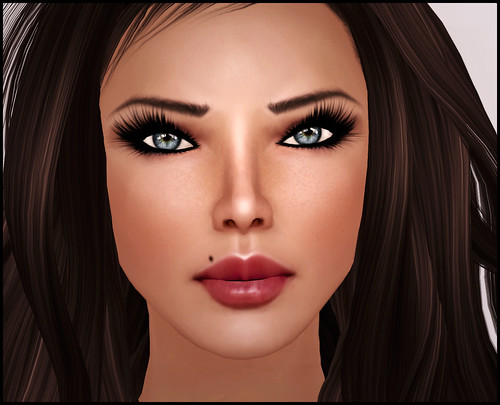
Fitting prim lashes seems to be a common problem for a lot of residents out there so I have decided to write a very small lashes tutorial to share with you all. Please understand this is how I do it, I am sure there are many other ways to make prim lashes work and I am also sure there are very good tutorials out there but I have found this way to be very easy because I change my lashes frequently and I lack the patience to edit them to perfection every time I wear them. 

1. Make a copy of your lashes first.
2. Make sure you made a copy of your lashes.
3. Wear a alpha layer to hide SL default lashes. (I use the alpha layers from Sindecade) *
4. Wear a tattoo eye-liner. You can go dramatic at this point but it is very important that you have upper and lower eyelid line so you have a place to position your lashes at. (I use the pack from Baiastice which includes several eyeliners with and without tattoo lashes for a more dramatic final effect).

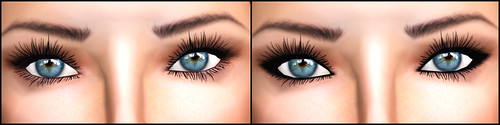
Lashes - Lelutka
LeLutka photoshoot II lashes natural and with alpha layer and eyeliner.

5. Wear your lashes, get on a pose stand, click ctrl+0 until you are inside your brain and start editing your lashes heavily using edit linked parts. Move them up and down, back and forward but avoid rotating unless you are avid for adventure.
6. When you think they are perfect, zoom around and discover they are still pretty weird. Get back on the posestand and continue editing, zooming and rotating your camera until they are perfect.
7. Read 6 again. Please. Thank you. Remember if you screw up you can always do Ctrl+z do undo last step. In case you screw up badly delete and go back to step 2.
8. There are different kinds of prim lashes. The ones that have an alpha texture plus and the lashes texture  on them, for example LeLutka old version, FNKY Cake or Glow lashes are usually bigger and more dramatic and these lashes are easier to adjust if you use a good eye liner that fills the empty spots they may leave on your eyelids border. Then we have fully sculpted prim eyelashes which I find easier to adjust for beginners because you just need patience to edit prim by prim but they end up looking perfect, examples are je suis..., CCD jewels and the new LeLutka 2011. Choosing one or another depends on your style and personal taste but also on your eye shape, since some lashes will be easier to adjust for certain eyes. 

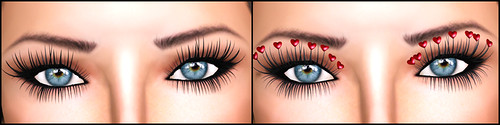
Lashes - je suis
Je suis lashes 1 and 2 with alpha layer and eyeliner.

9. When you are done remember to manually detach your prim lashes and attach them again, this way you make sure SL saves the prims position and they will be ready next time you want to use them.
10. Enjoy, beautiful detailed perfectly fitted eyelashes. 

Oh la lashes
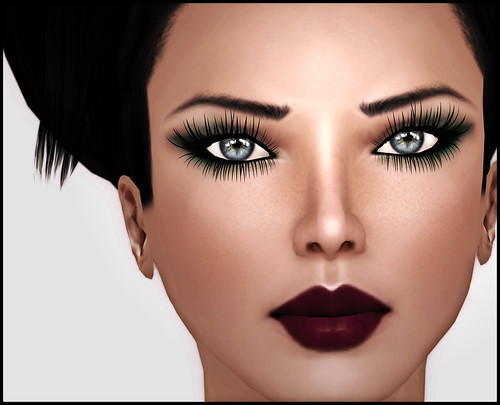
Baiastice eyeshadow + Baiastice tattoo lashes + Baiastice eyeliner + Je suis... lashes.

I don't care what they say out there, prim lashes when fitted correctly, always look way better than tattooed ones. What I do sometimes is wear both tattoo and prim lashes, which makes your eyes gain depth and every single spot is filled making your eyes look really beautiful. For some dramatic effects I also wear 2 different prim lashes together, attaching one to nose and the other one to mouth.

Also remember that if you wear an eye-shadow without eye-liner on v2.0  you can add a liner layer over it in order to make your lashes fit perfectly, but you need to add that layer AFTER the shadow and not before it, like I did on the picture above.

I hope you have found my first tutorial useful and easy to follow and for those of you who were afraid or scared of using prim lashes before I also hope you will at least give them a try now.

*EDIT 1: Adding a help on how to use Trins Alpha layers.
You need to grab the "Trins Alpha Layer Set Pro" from Sindecade store. First make a copy of the alpha layer given and rename it for example "no lashes" wear it and then right click and choose edit. Once the edition window opens just click on HEAD ALPHA square and choose the alpha texture from your Trins folder called: Alpha Mask - Head 0 (hide eyelashes) yes the square should be black. Save and Exit. Now you have your No lashes alpha layer ready to use whenever you need it.Please remember that if you are already using an alpha layer on, for instance, your boots, you can still right click and select ADD to wear both alpha layers on any v2.0 compatible viewer. 

/hughug
Giela